Clips for LinkedIn, Shorts and Reels from podcasts, webinars and talks
Turn one long video into a week of short clips.
Paste a YouTube link or upload a recording. Clippery finds the moments worth posting, cuts them on full sentences, adds captions you can edit and sizes them for every feed.
 Podcast
 Talk
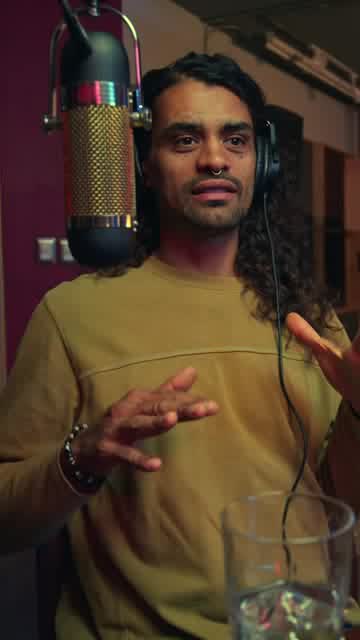 Podcast
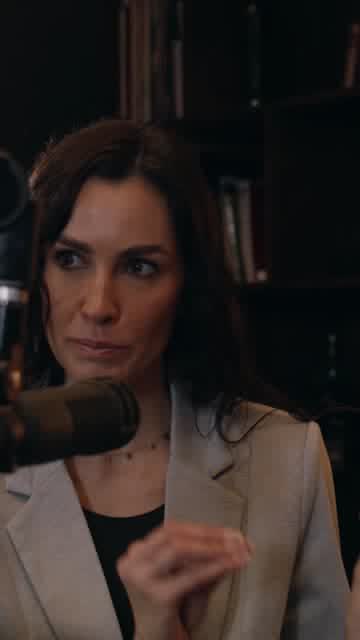 Founder interview
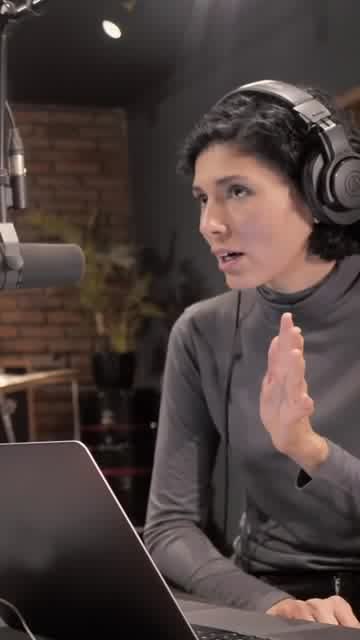 Podcast
Example clips made from sample footage
Try it with your own video
How it works
One recording. A week of posts.
- 01Paste a link or drop in a file.
- 02We find the moments that stand on their own.
- 03Fix a word, pick a time, post.
Examples
What comes out.



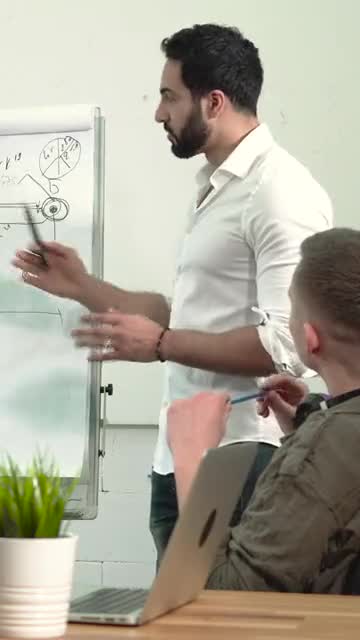
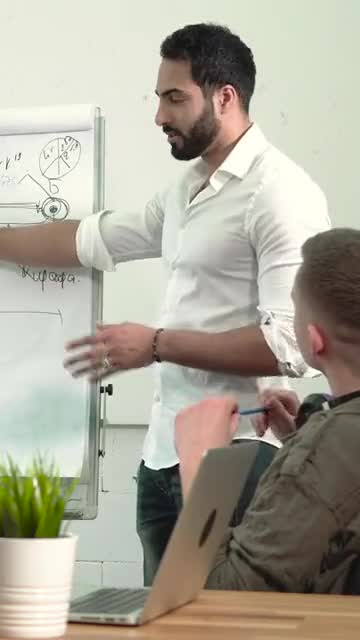
Captions
Captions people actually read.
Balanced is the default. Every word is timed and editable.
Formats
Every feed, from one clip.


Edit and post
Fix a word. Trim the ends. Post.
Click any word in the captions to fix it.
Drag the ends to make a clip shorter.
Post to LinkedIn now or pick a time. Or download the MP4.
Don't take our word for it. Try it on one of your own videos.
Try itFAQ
Questions, answered.
What kind of videos work?
Anything where people talk: podcasts, webinars, talks and interviews. Paste a YouTube link or upload a file.
Can I edit the clips?
Yes. Trim the ends, fix any word in the captions and change the style or format.
Which formats do I get?
9:16, 4:5, 1:1 and 16:9, as MP4.
Can I post to LinkedIn?
Yes, now or on a schedule.